Pixora model · dedicated GPUs
Commercial images, seconds each.
Product shots, characters and backgrounds for video and illustration. An API, a catalog of 246 looks with every prompt published, and numbers that are measured, not claimed.
- 13sper 1024×1280 image
- $0.0032compute per image
- 246looks, prompts open
- 604samples below
Models · 5 engines, one API
Pick a model, not a preset
Each engine is trained for a different job, so each one has its own catalog of looks. Running the same prompt on all of them tells you which prompt suits which model — not which model is better. Open one to see what it does well, where it struggles, what it costs, and every look written for it.
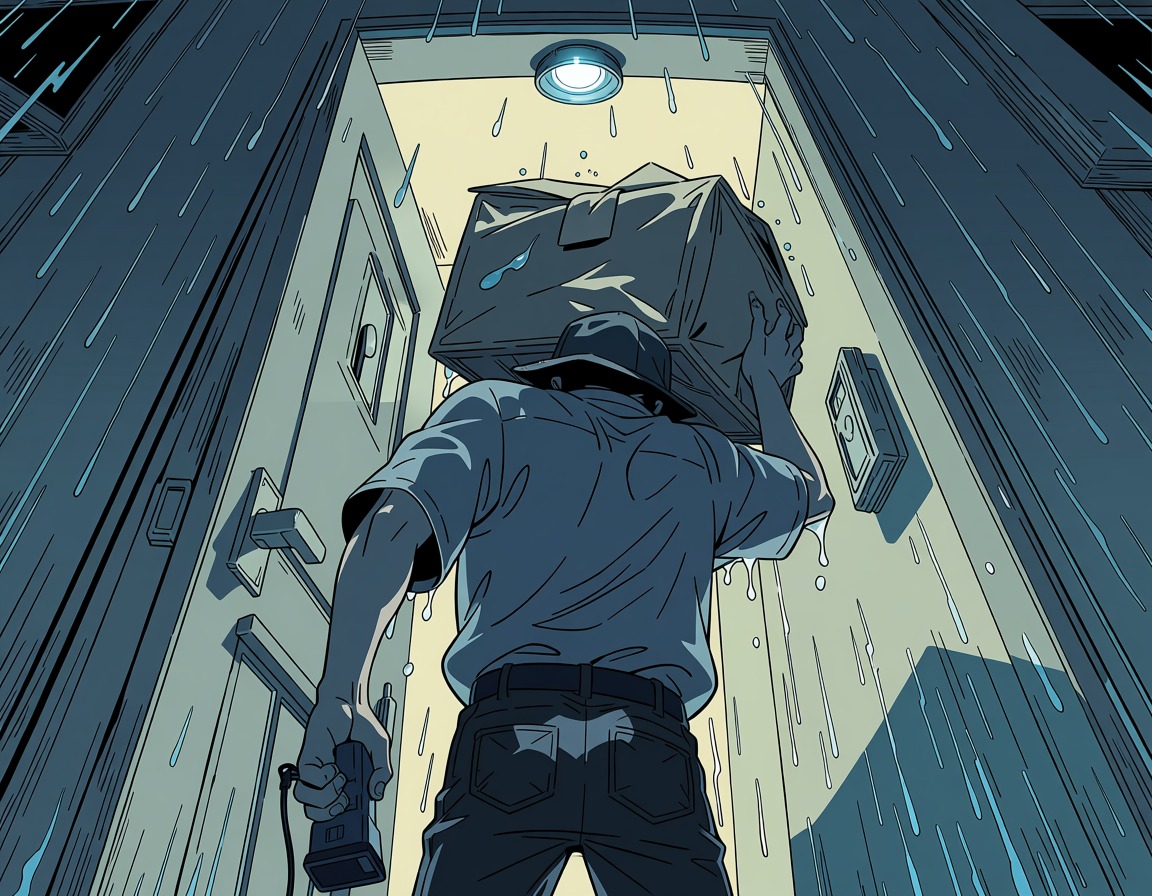
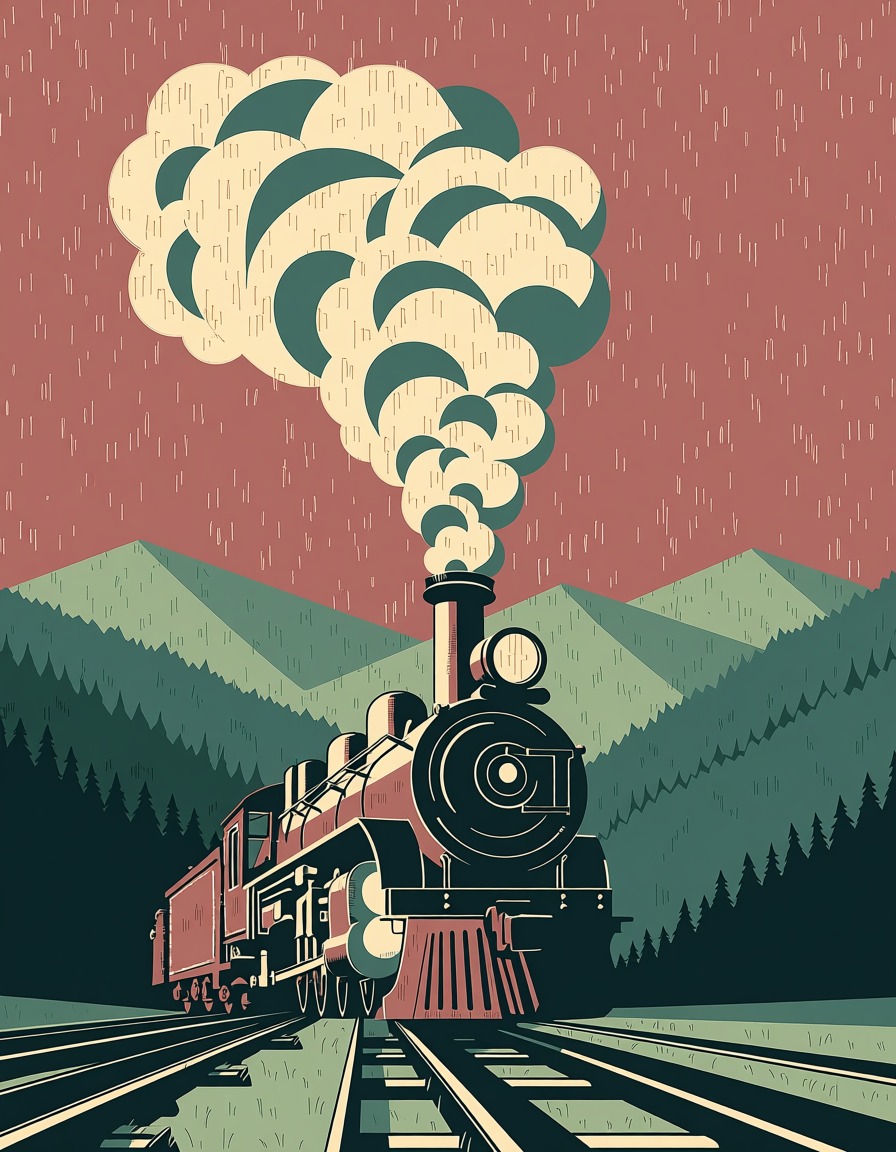
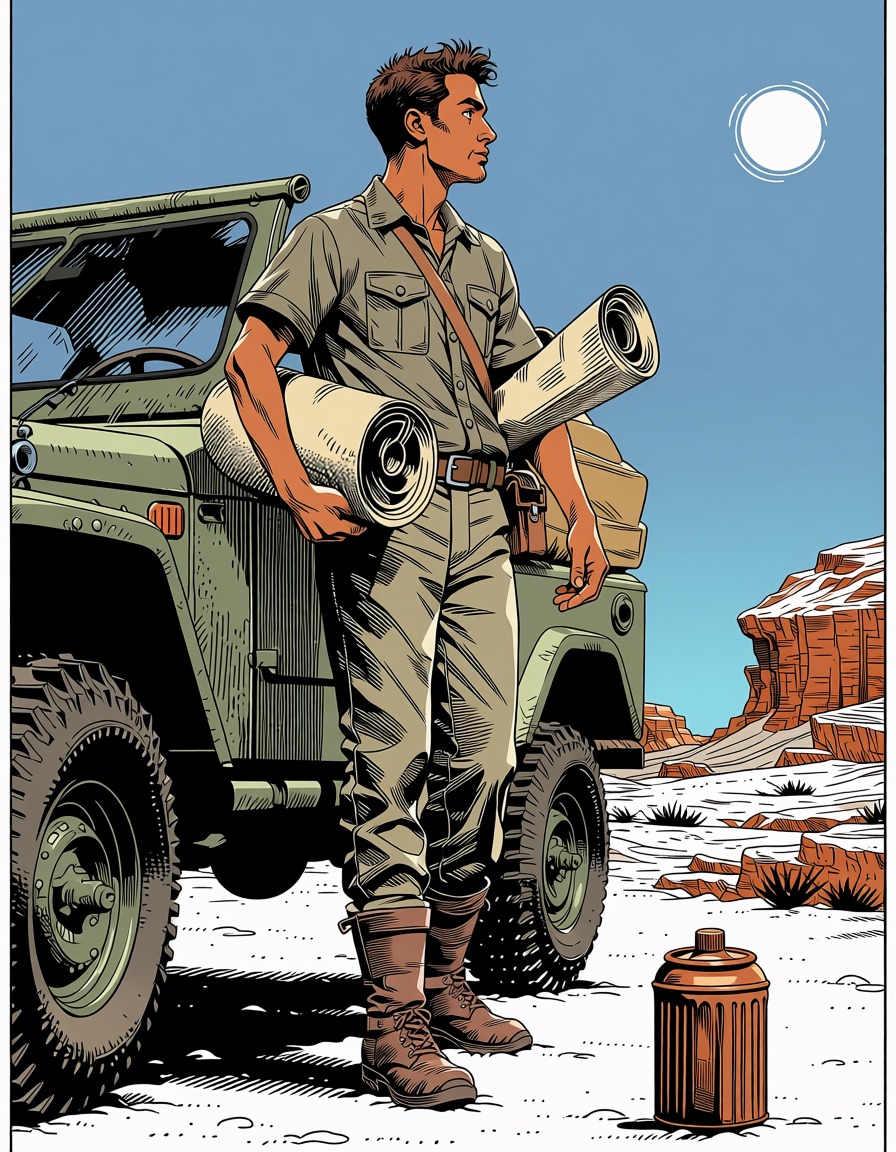
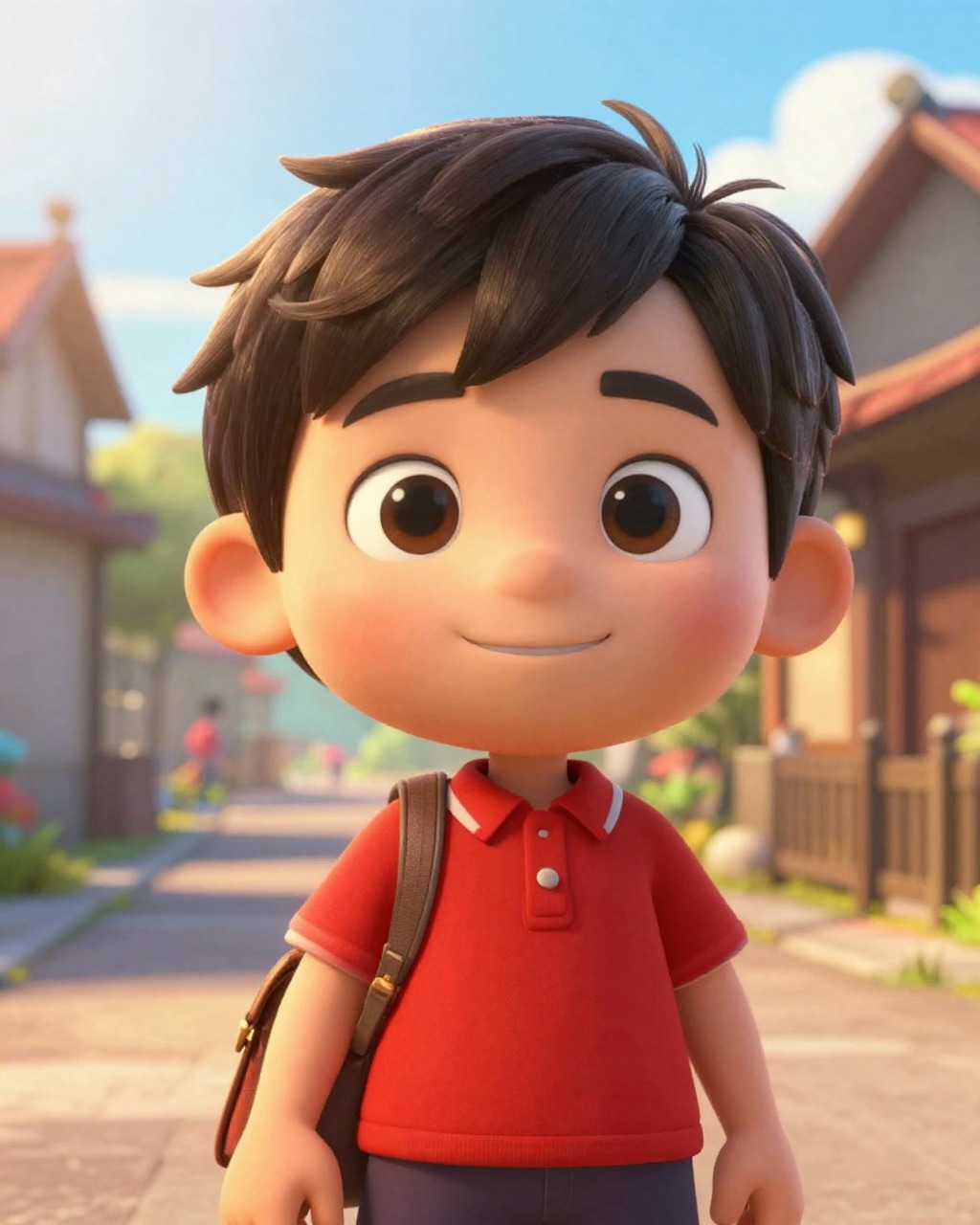
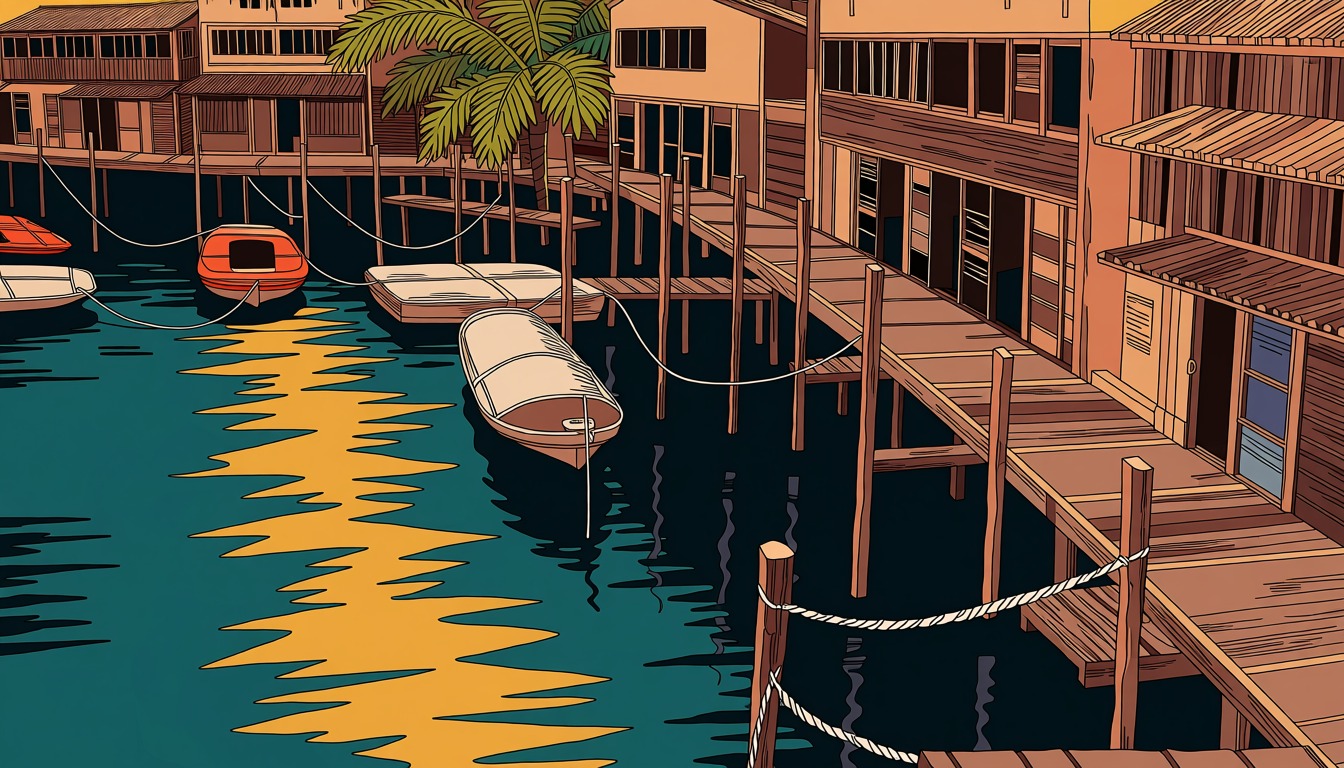
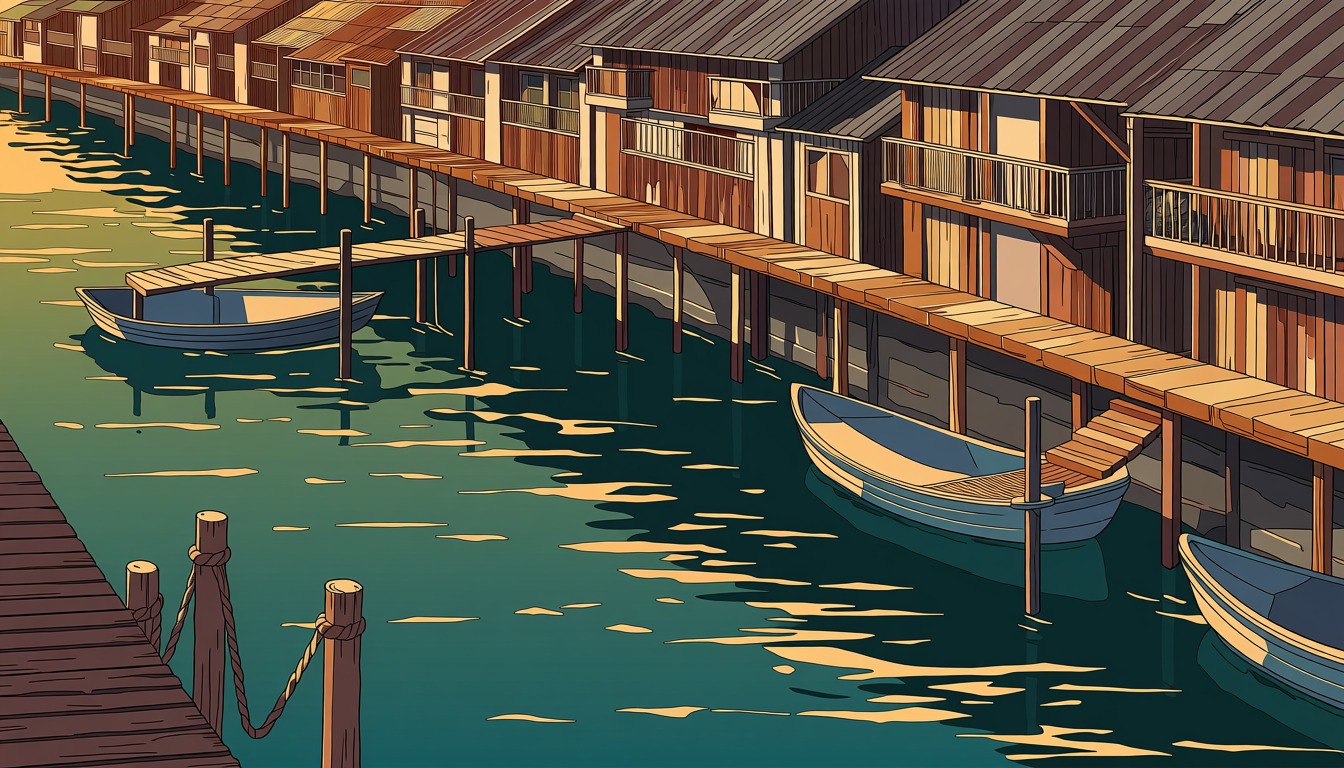
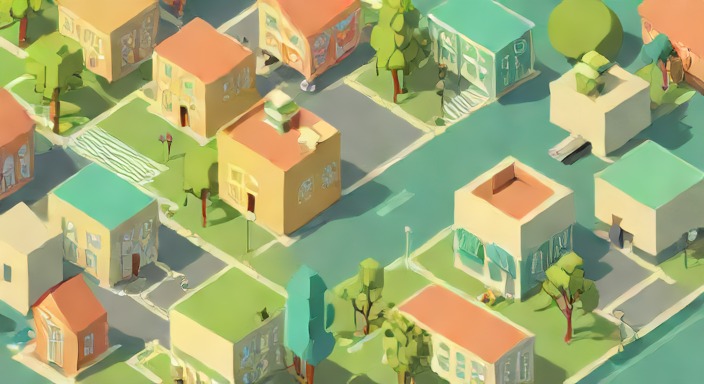
Anima 2d toon
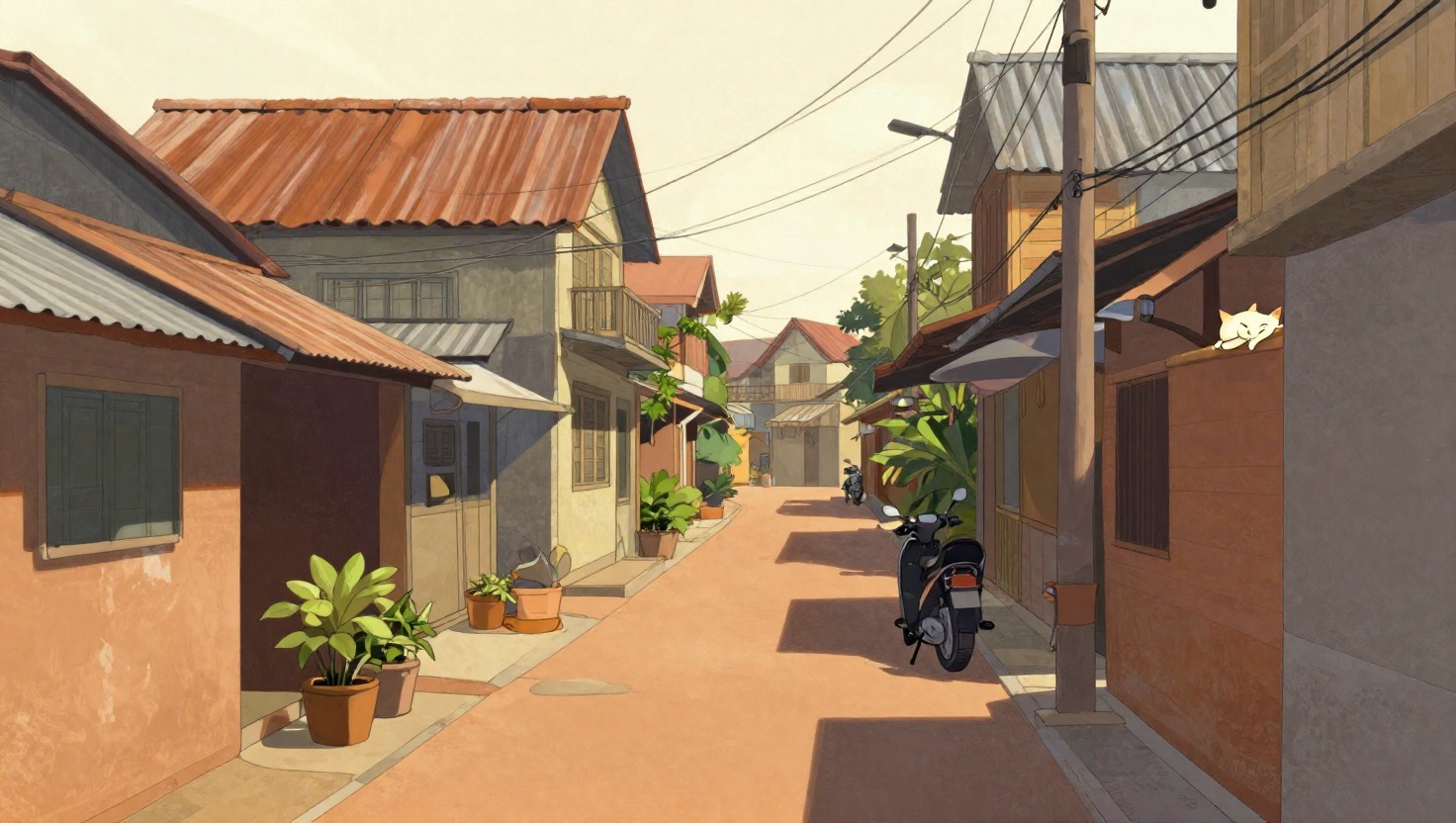
Flat 2D animation: mascots, character design, background plates.
- 12.5 sper image
- $0.0054compute
- 10 · CFG 1.0steps
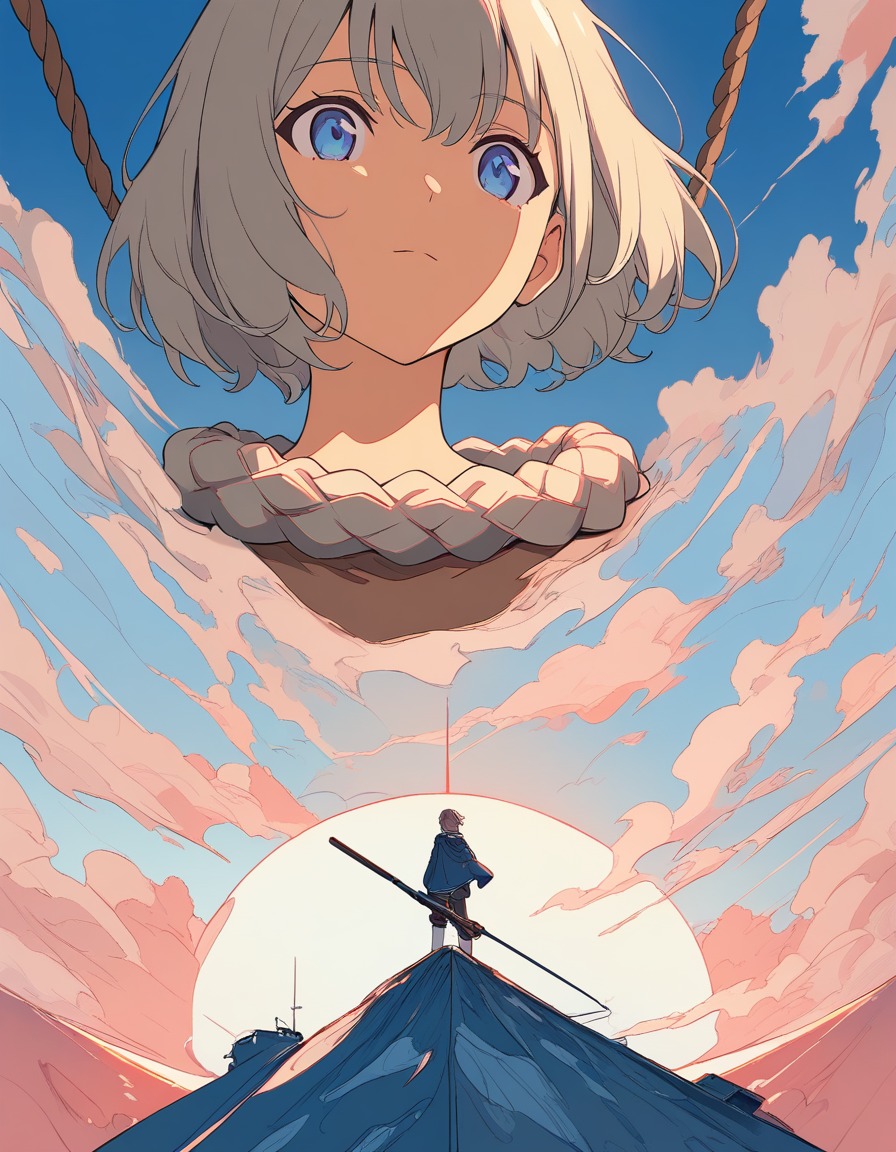
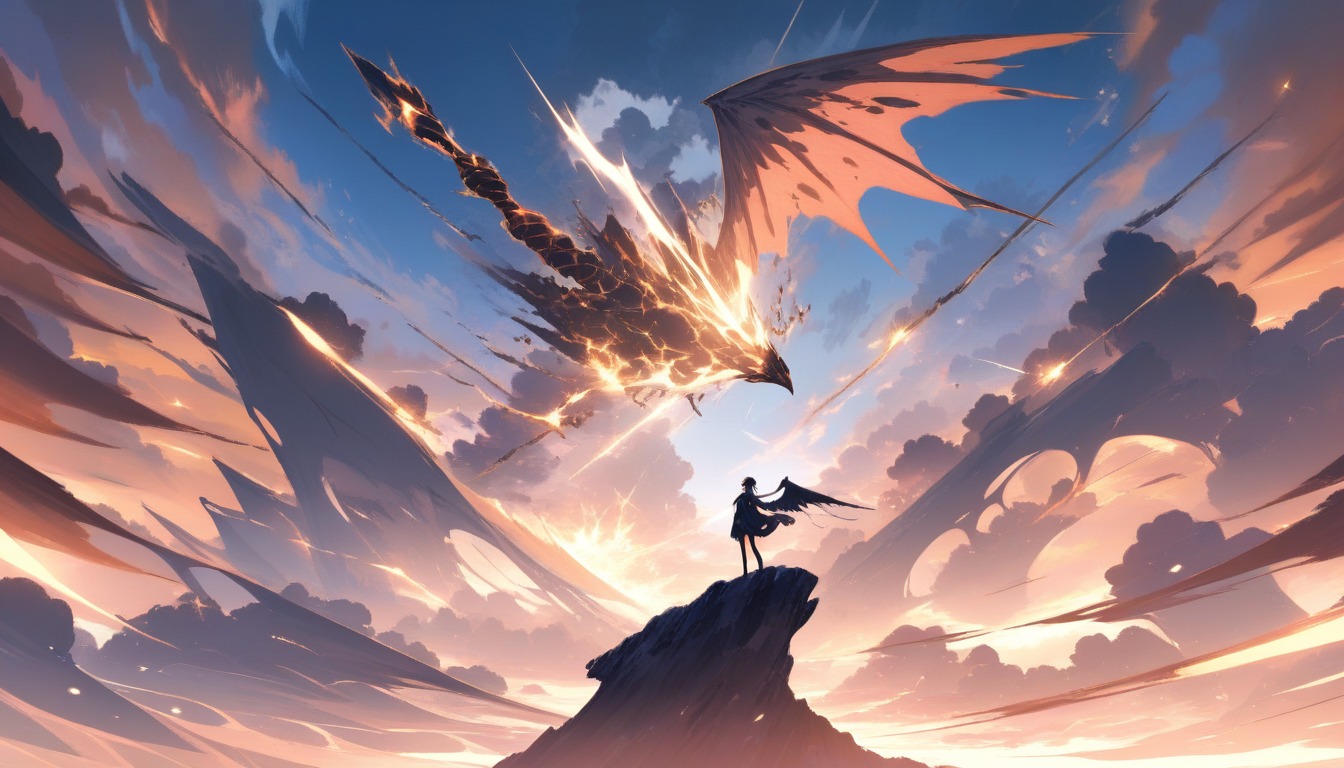
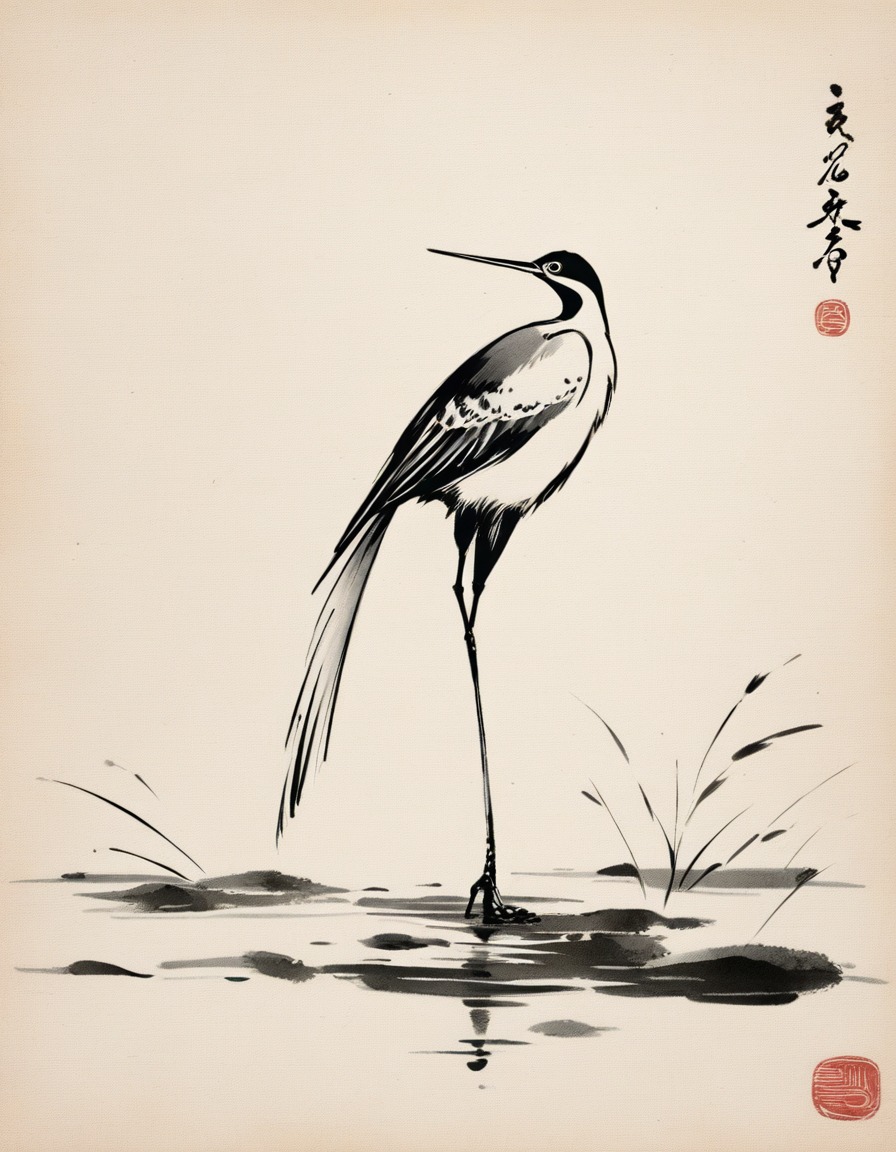
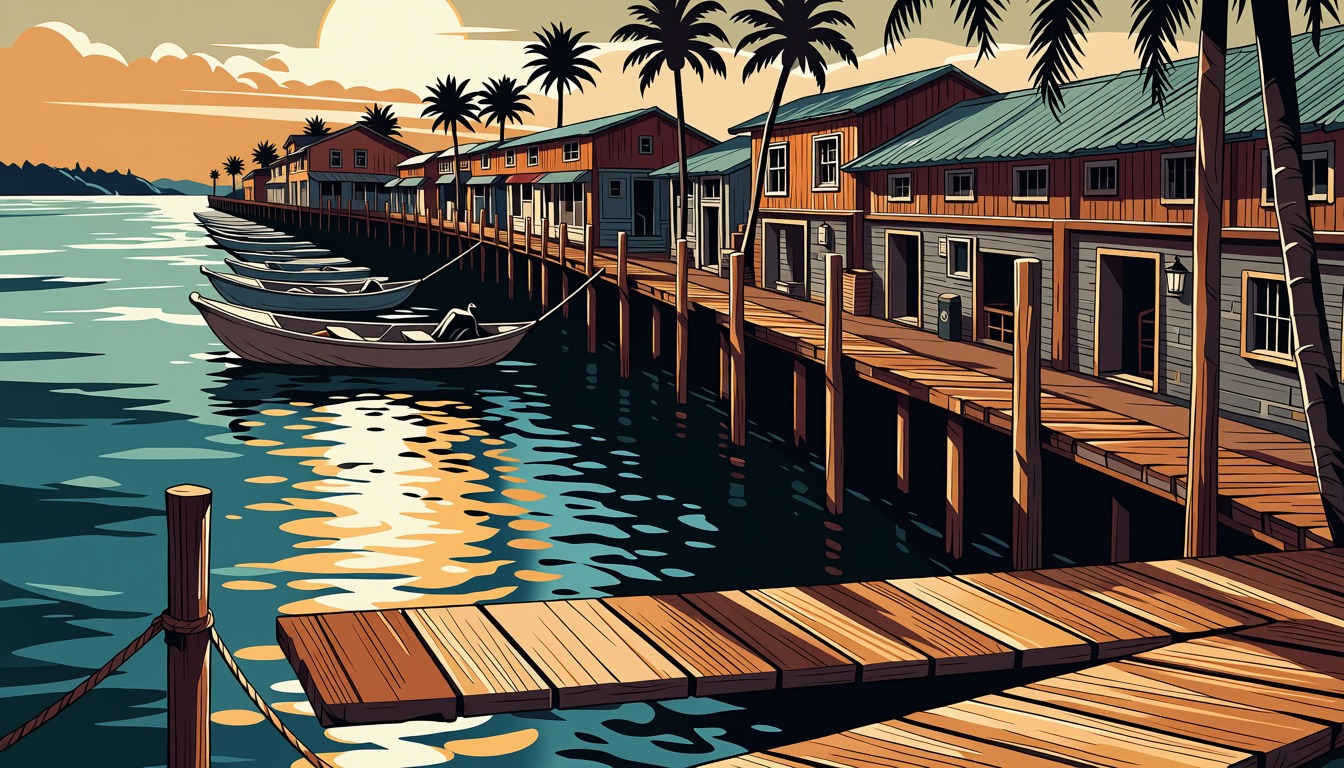
Animagine XL 4.0 anime
Anime characters and scenes, at the resolution the style was made for.
- 20.2 sper image
- $0.0030compute
- 28 · CFG 5.0steps
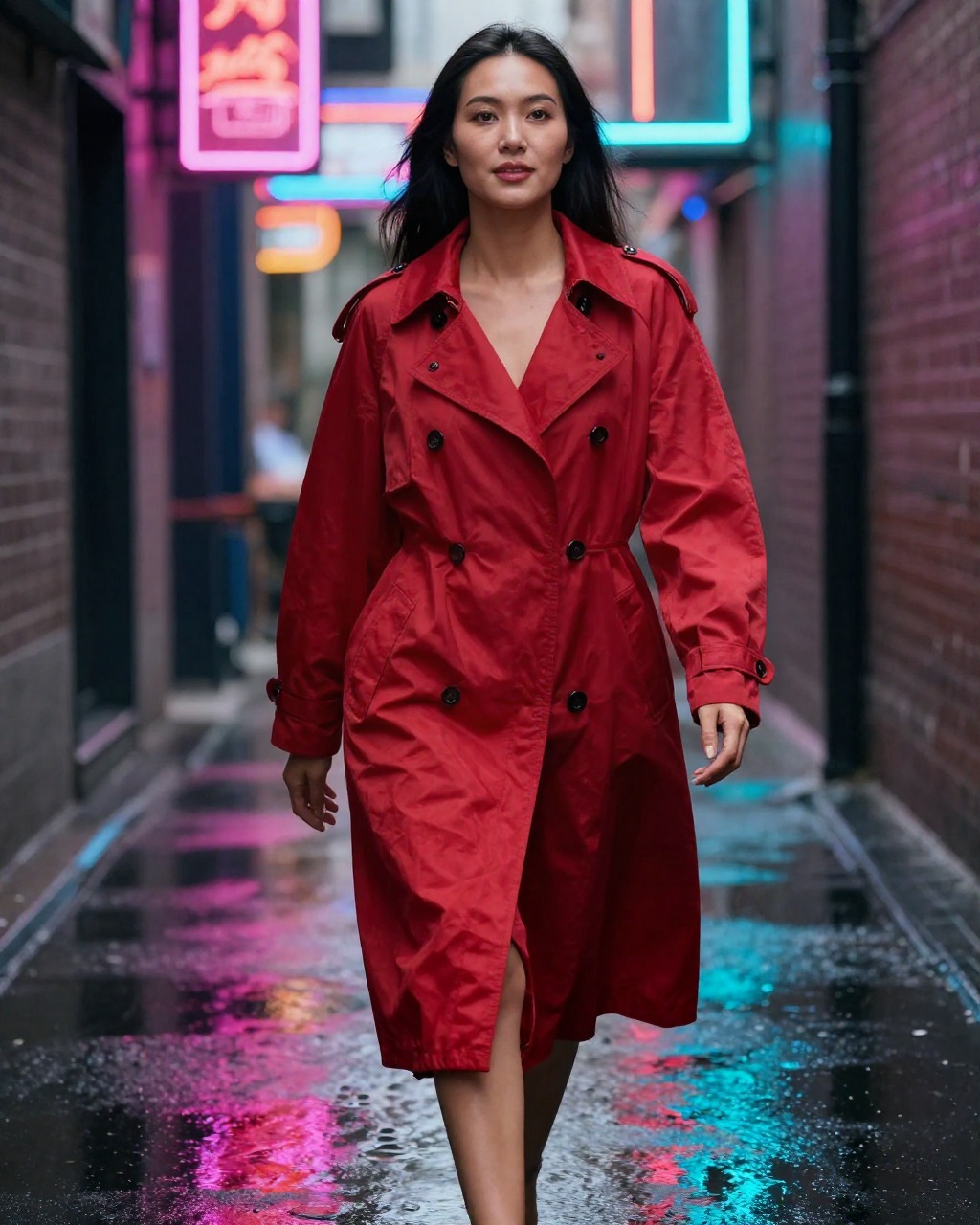
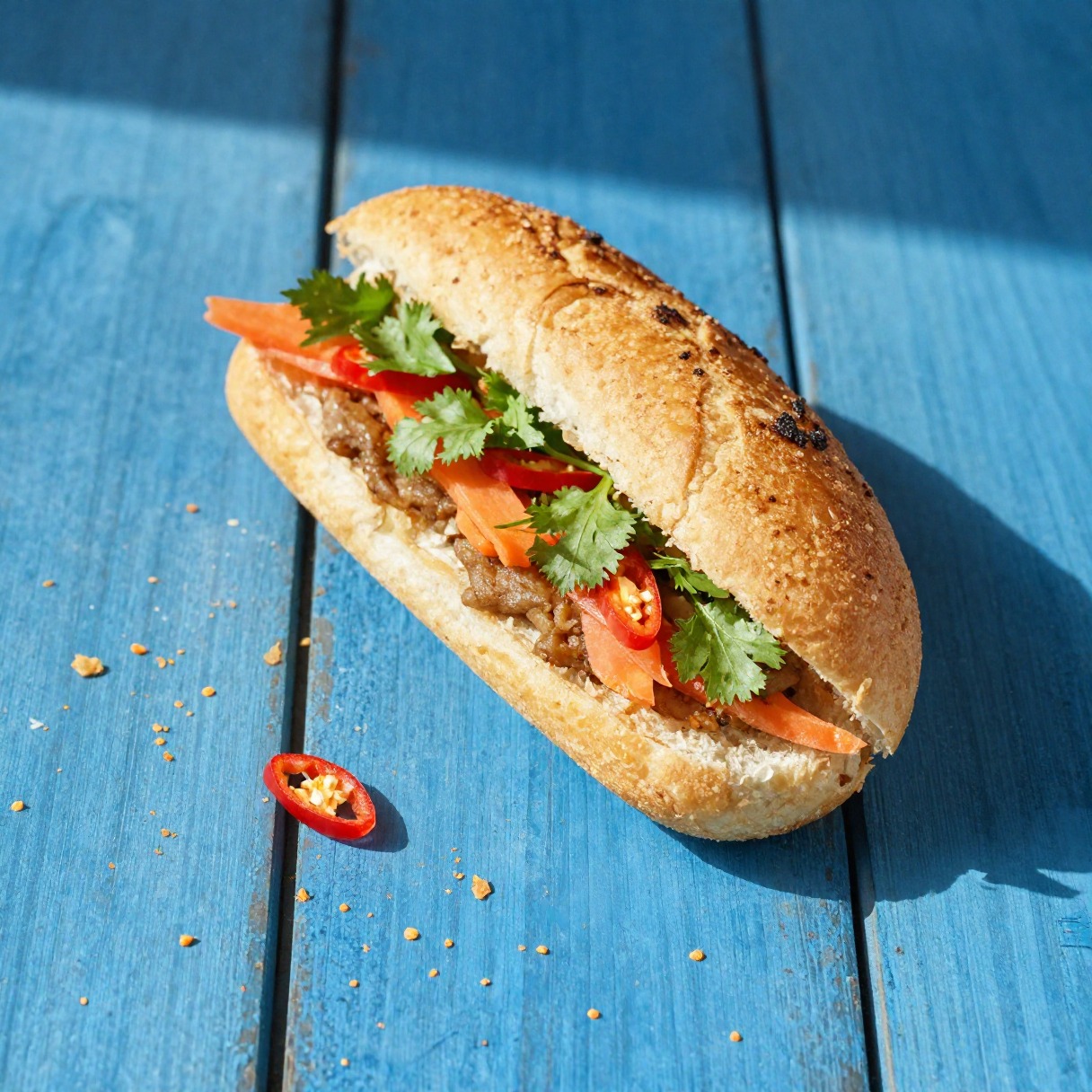
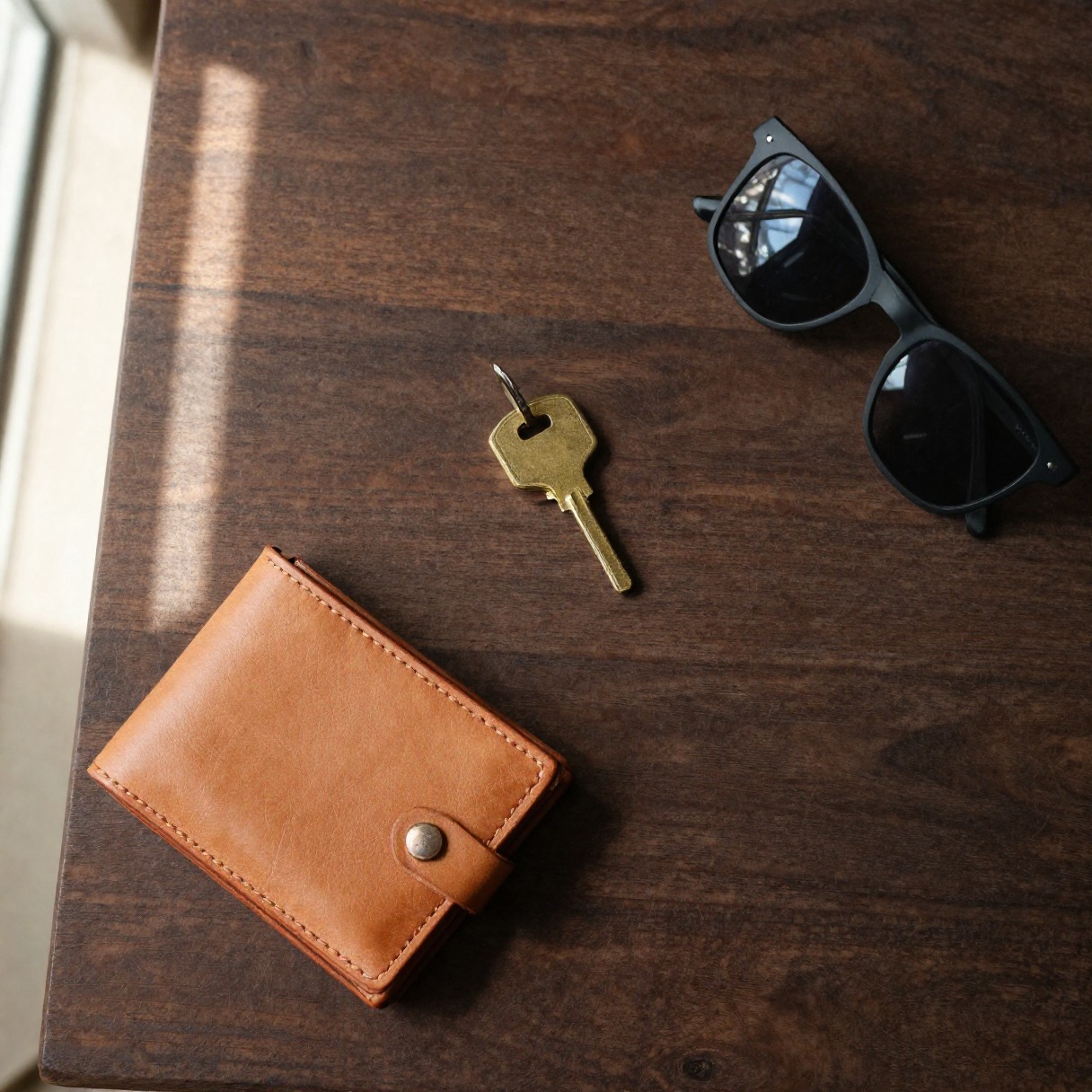
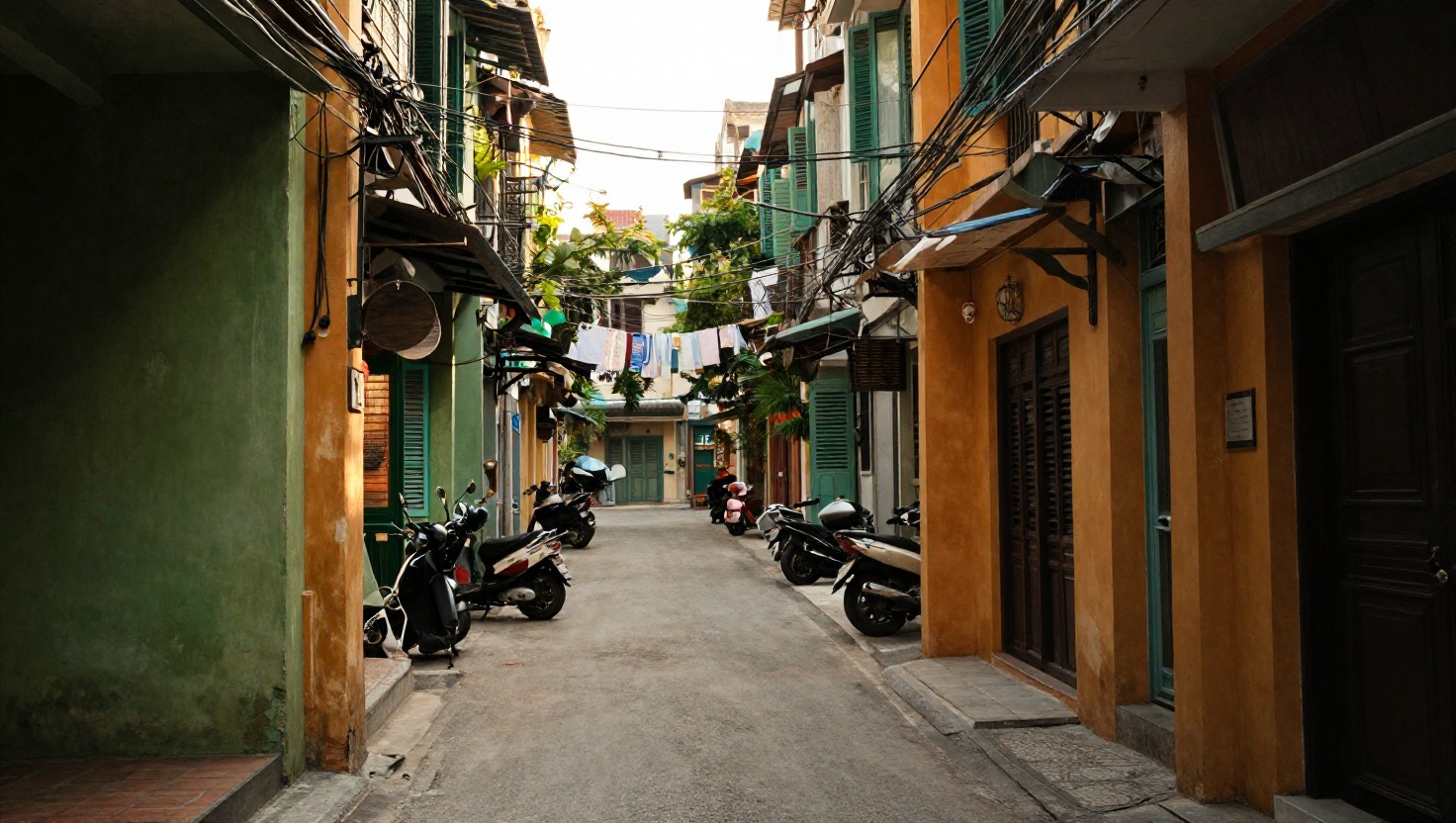
Z-Image-Turbo premium
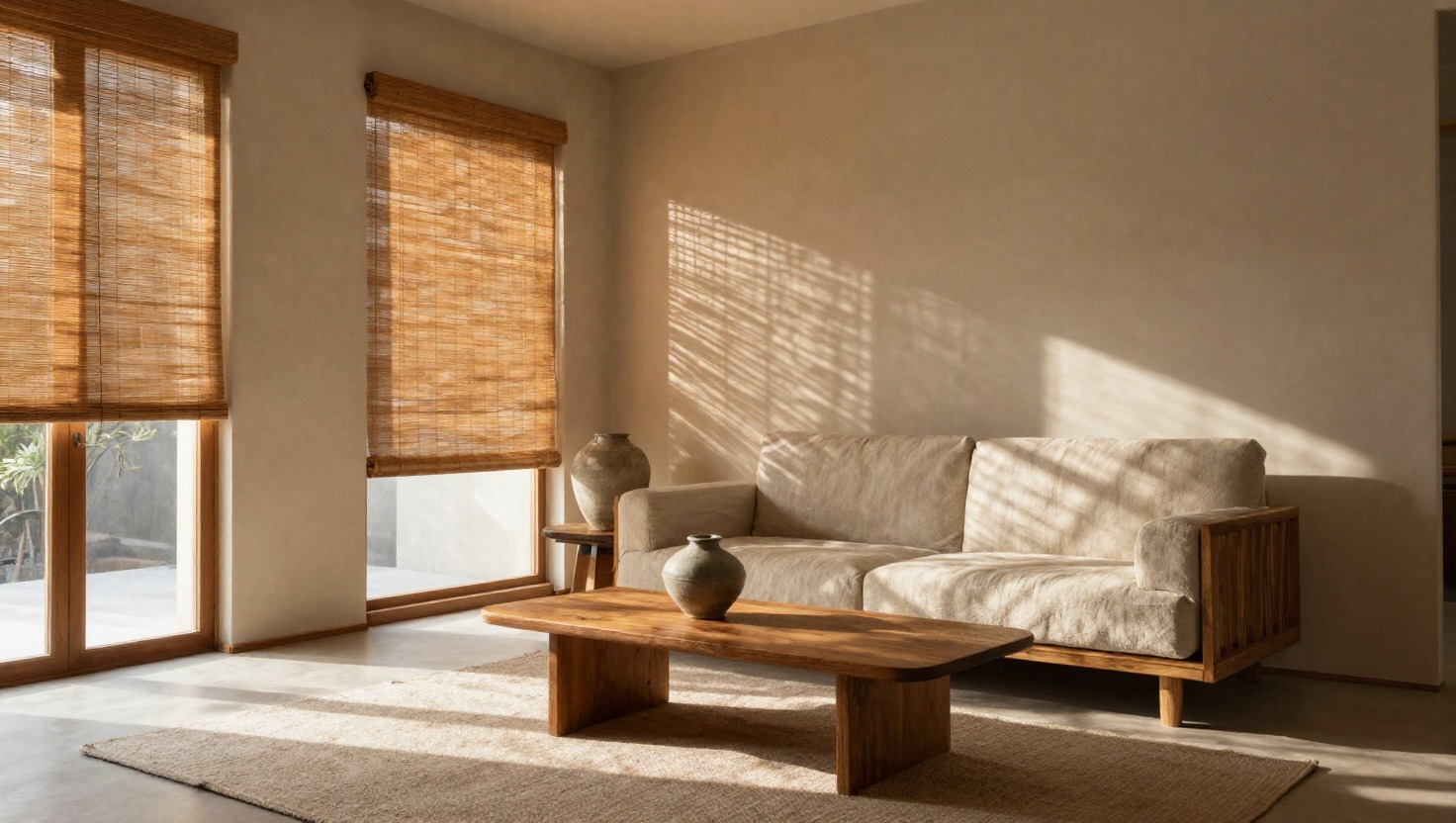
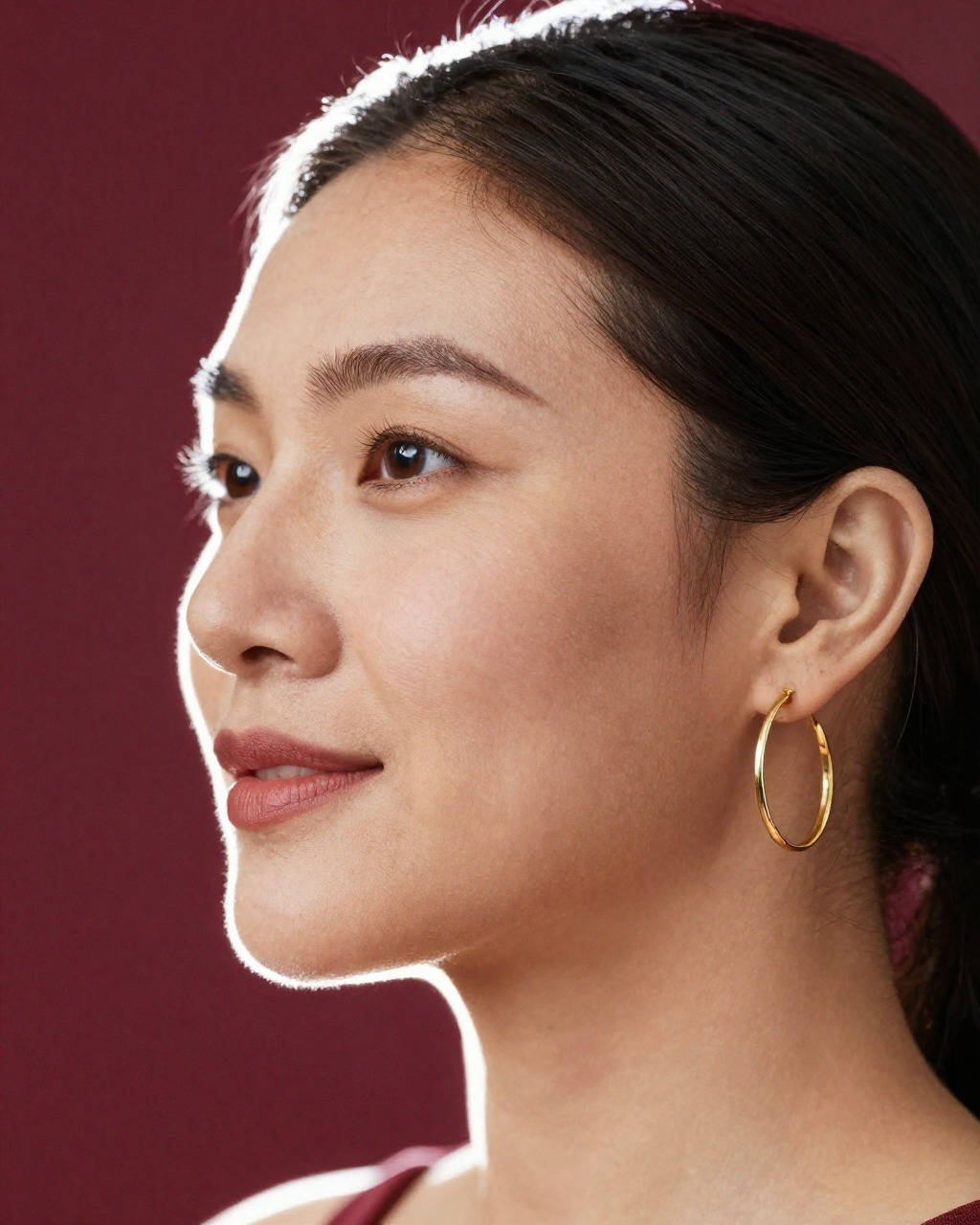
Commercial photography: product, food, interiors, people.
- 22 sper image
- $0.0032compute
- 8steps
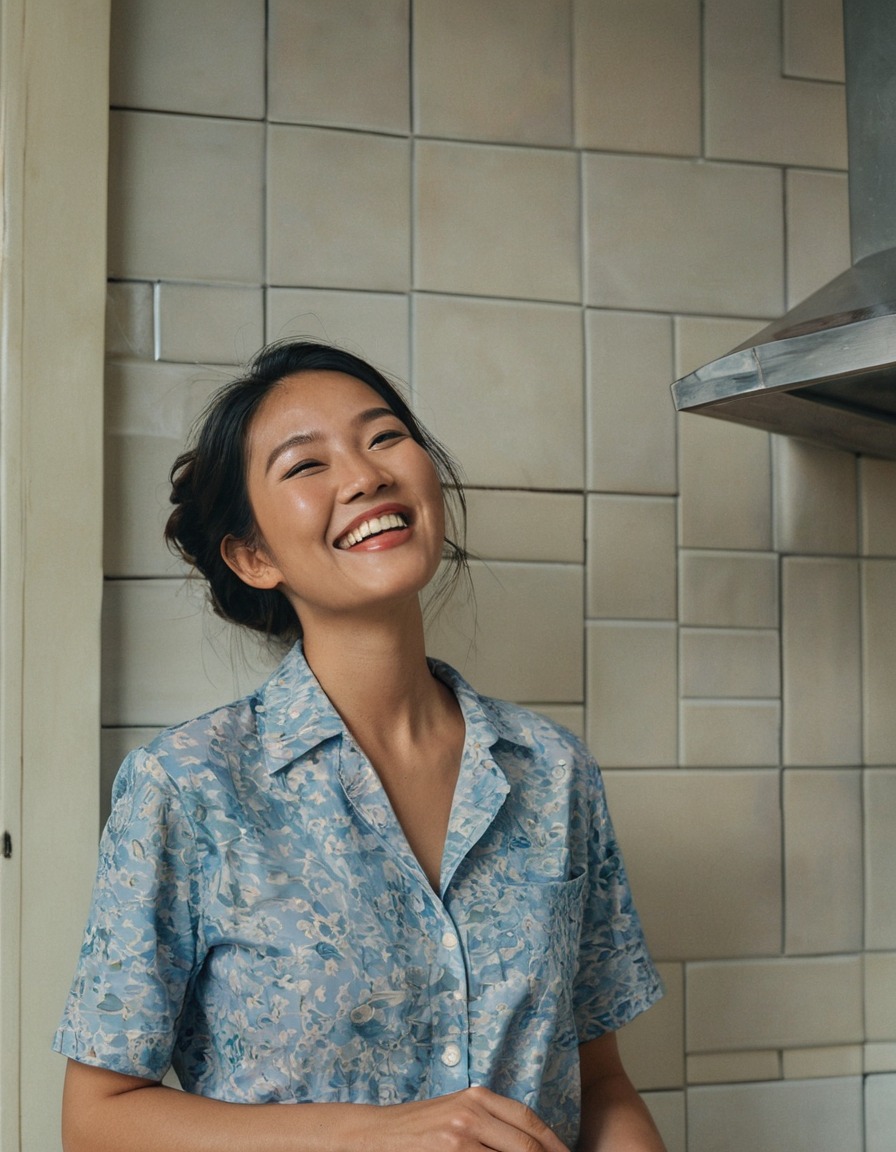
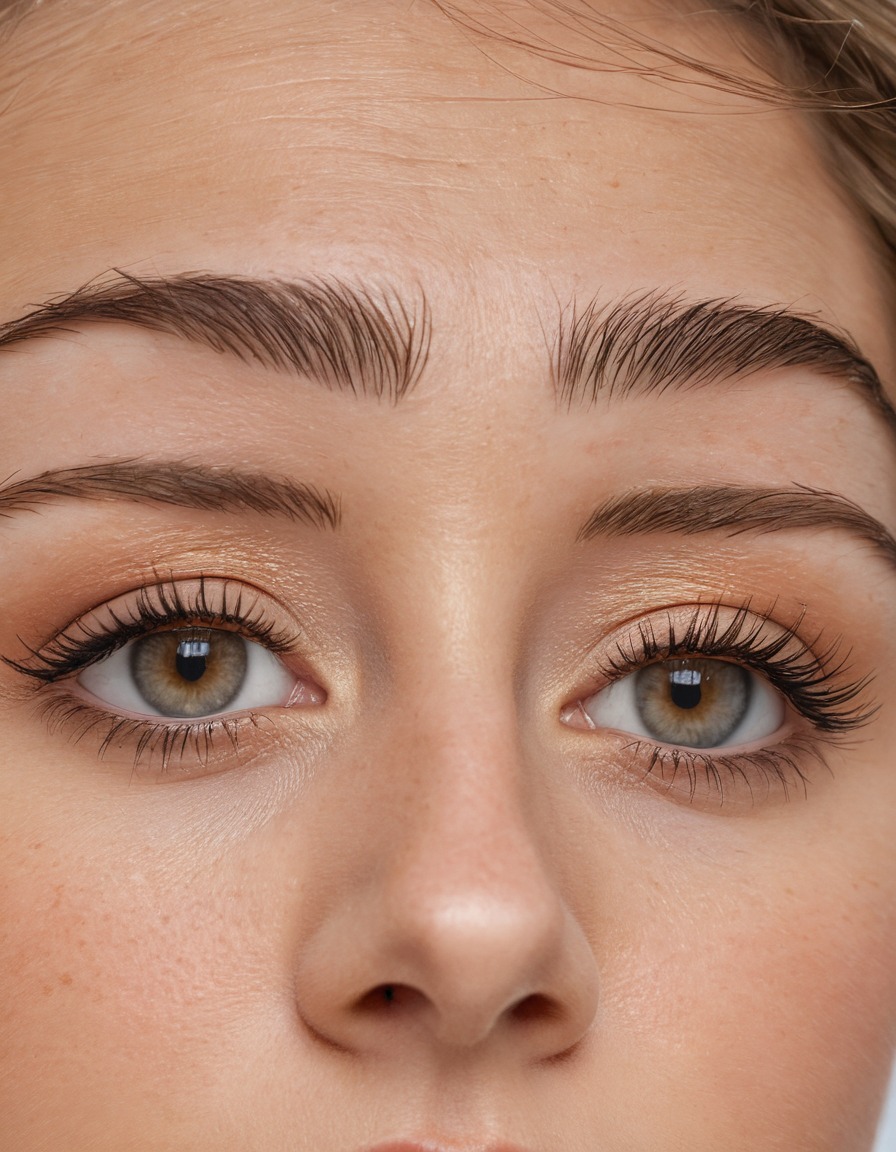
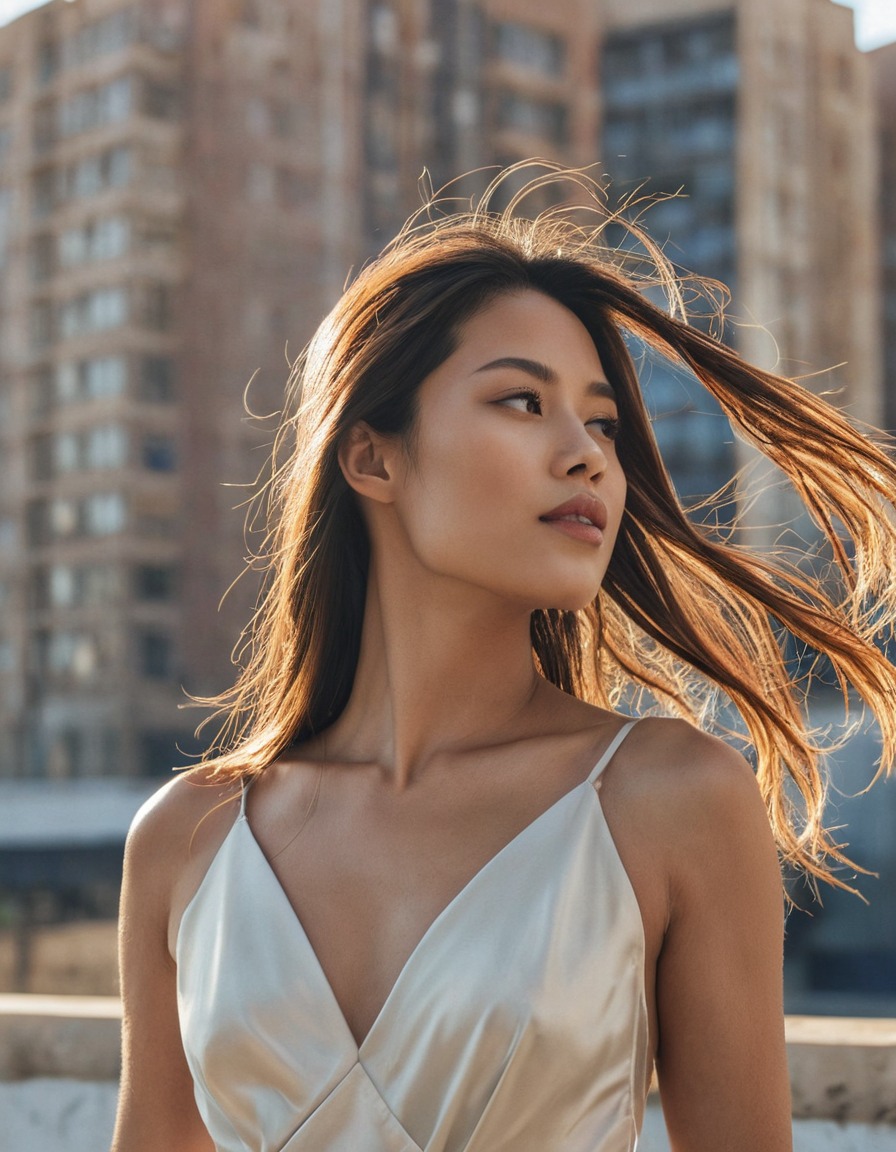
RealVisXL V5.0 Lightning photo
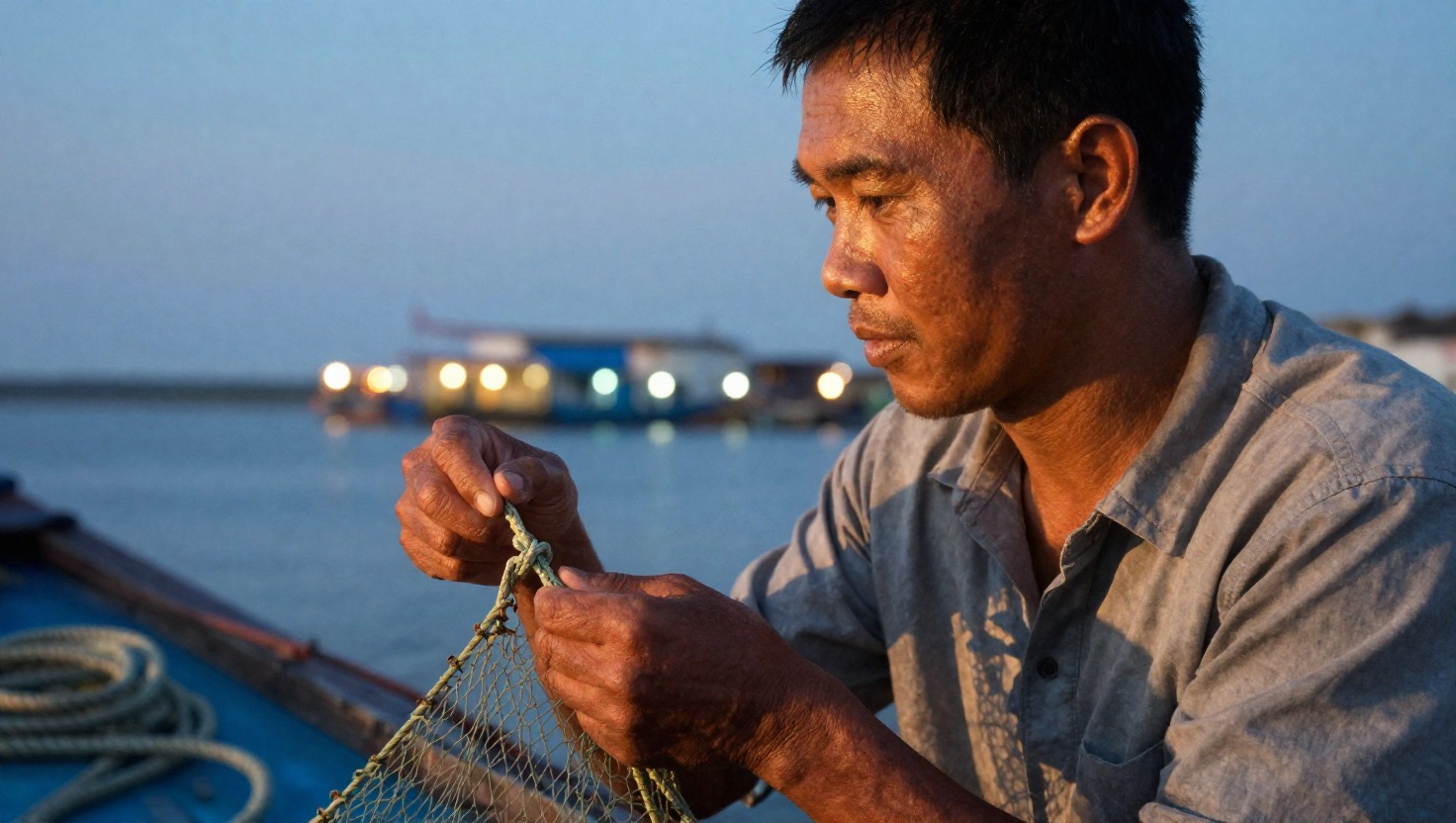
Photoreal people and materials, distilled to five steps.
- 7.4 sper image
- $0.0011compute
- 5 · CFG 2.0steps
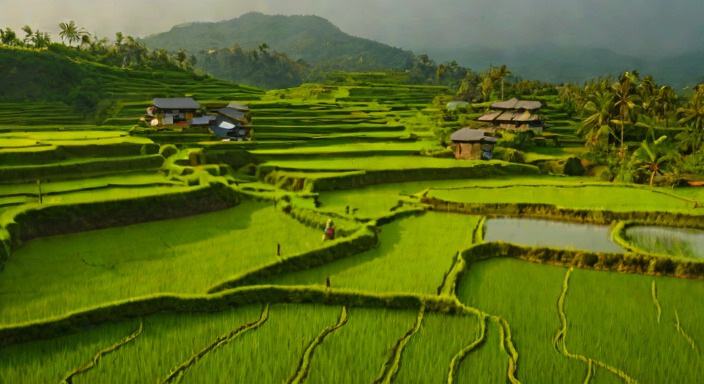

SDXL-Turbo free
Free drafts. Cheap, small, fast enough to iterate on wording.
- 5 sper image
- $0.0022compute
- 2steps
Recipe · nine slots
The nine-slot recipe
Pixora reads a prompt like a camera brief, not prose. Lighting, palette and one telling detail are the difference between an image that is correct and one that sells.
- 01Shot and angle
shotLeave it out and the model defaults to a centred, eye-level frame. That is why flat prompts give flat pictures.
- 02Subject
subjectAge, origin, two or three defining traits. Leave origin out and the model picks a generic face.
- 03Clothing or object
wearThree to five words, including coverage when the subject is a person.
- 04Three-layer setting
sceneForeground, subject, background. No foreground and the image looks pasted on.
- 05Deliberate lighting
lightThe slot that matters most. The model follows lighting words very closely.
- 06Colour palette
paletteSkip it and every image comes back the same neutral grade.
- 07One telling detail
storyThe small thing that stops a scroll: wind in the hair, steam, a rain bead.
- 08Medium
mediumThe genre of photograph, or the drawing style.
- 09Lens
lensReally does change compression and depth of field.
Three lines to an image
The SDK depends on nothing but fetch. Drop it in a Lambda or a Worker and your cold start does not get heavier.
import { Pixora } from '@vovix/pixora'

const px = new Pixora({ apiKey: process.env.PIXORA_KEY })

const { images } = await px.createImages({ styleId, prompt, count: 4 })
const done = await px.waitFor(images.map((i) => i.assetId))